Best iPhone keyboard apps & extensions for 2026
From text snippets to GIFs and swipe typing, these are the keyboard apps and extensions that save the most time in 2026. WordBoard tops the list for reusable phrases and quick replies.
Reviewed by Stuart Hall, who runs Bytesize Apps, a one-person iOS studio based in Perth, Australia, and built WordBoard. WordBoard has been featured as an Apple Best New App and covered by TechCrunch, and holds a 4.9 rating across more than 5,400 App Store reviews. For this roundup, WordBoard's entry reflects real day-to-day use of the app; Gboard, Grammarly Keyboard, Typewise, and Microsoft SwiftKey were verified against their current official App Store listings.
Why custom keyboards still matter
Even with smart autocorrect, iPhone typing can feel slow when you repeat the same messages, customer replies, addresses, or sign-offs. A custom keyboard gives you dedicated keys for the things you type most, so you can finish messages in seconds instead of minutes.
Below are the most useful custom keyboard picks for 2026, chosen by the problems they solve. Start with WordBoard if you want the fastest way to insert saved text anywhere you type.
How we evaluated these apps
WordBoard is used daily to run this site, so its section reflects real, hands-on use, including current screenshots of the actual app. For Gboard, Grammarly Keyboard, Typewise, and Microsoft SwiftKey, pricing and feature claims below were verified against their current official App Store listings.
We did not install and run every competitor ourselves for this update. Where a claim is based on an app's official App Store listing or its publisher's own documentation rather than direct testing, that is noted in the text rather than implied as hands-on experience.
Pick 1: WordBoard for text snippets and templates
WordBoard is the best pick when you want to save phrases, templates, and quick replies as custom keys. You can organize snippets with folders, add variables like date placeholders, and insert full messages with a single tap in any app that uses the iOS keyboard.
Best for: customer support replies, real estate listings, healthcare intake forms, sales outreach, and anyone tired of retyping the same text.
Why it stands out: WordBoard keeps your most-used text one tap away, so you never have to copy and paste from Notes again.
Get it: WordBoard on the App Store
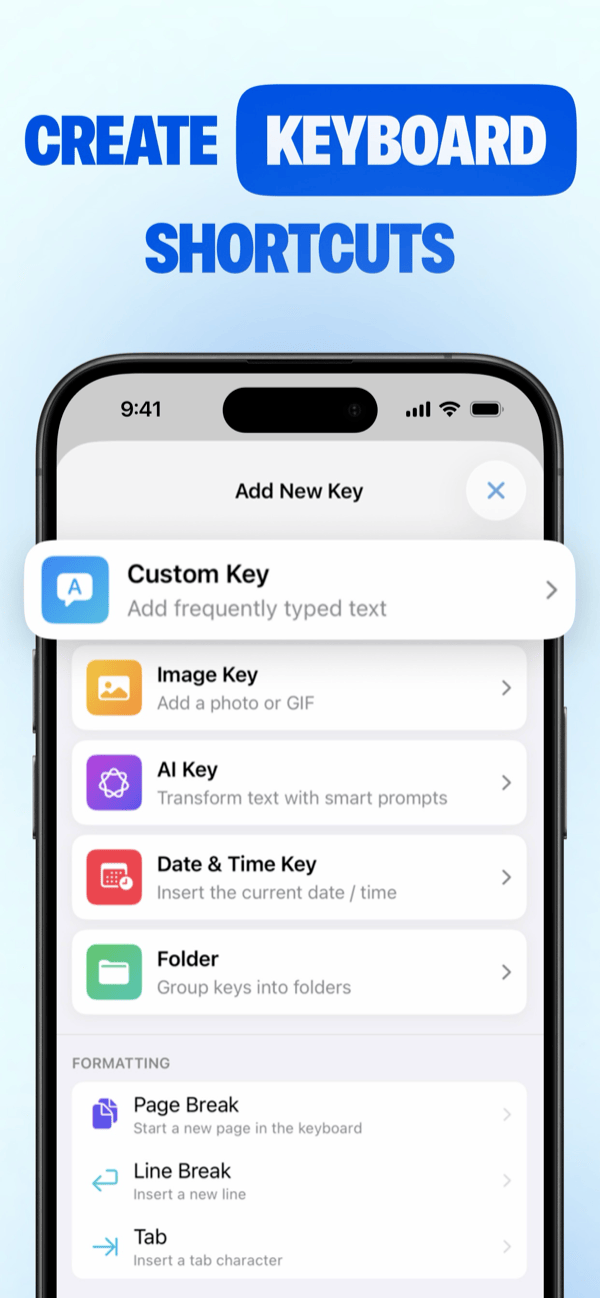 WordBoard's official App Store screenshot, current live listing.
Pick 2: Gboard for search, GIFs, and glide typing
Gboard is Google’s iPhone keyboard with built-in Google Search, emoji search, GIFs, stickers, and Glide Typing. It is a great all-around option if you want quick search and media tools without leaving the keyboard.
Best for: fast search, emoji/GIF reactions, and swipe typing.
Why it stands out: Google Search lives directly in the keyboard, plus emoji and GIF search are built in. It is the best GIF keyboard for iPhone if you want to search and send GIFs without leaving the keyboard.
Pricing: Free to download. Its official App Store listing shows no in-app purchases or subscription of any kind (verified Aug 25, 2026).
Get it: Gboard on the App Store
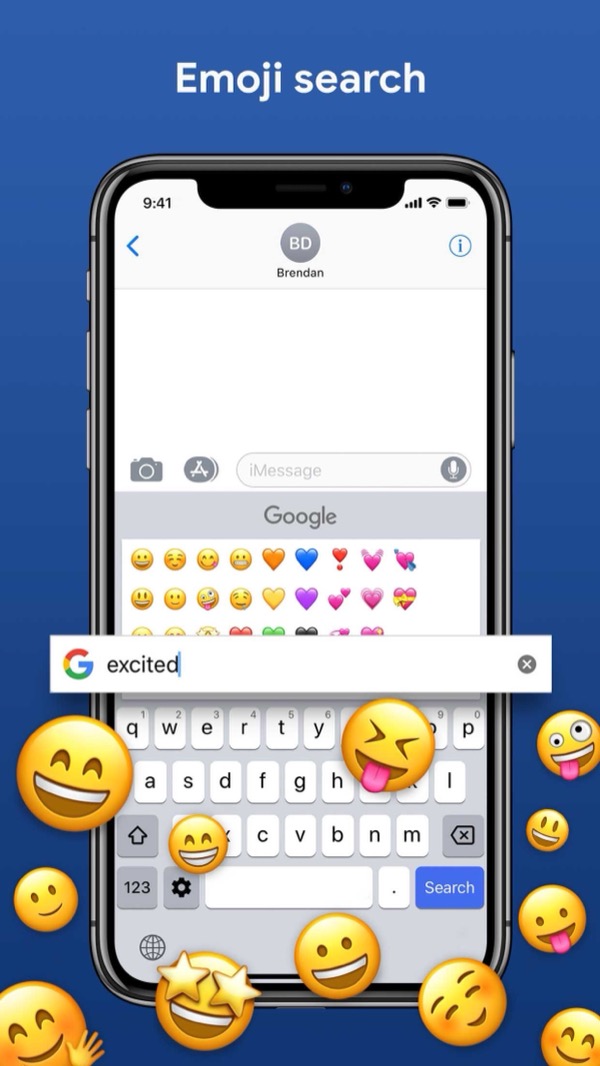 Gboard's official App Store screenshot, current live listing.
If you want to save your own GIFs and photos as reusable keys instead of searching each time, see the GIF and photo keyboard page.
Pick 3: Grammarly Keyboard for writing quality
Grammarly’s keyboard focuses on clarity, grammar, tone, and AI rewrites. It is best when your messages need to sound polished, from work emails to longer replies.
Best for: professionals, students, and anyone who wants cleaner writing.
Why it stands out: real-time writing feedback plus AI rewrite suggestions inside the keyboard.
Pricing: Free to download, but the AI tone rewrites and advanced suggestions this keyboard is known for sit behind Grammarly Premium. Its official App Store listing shows Premium priced from $17.99/month (mobile-only) up to $29.99/month, or $139.99/year (verified Aug 25, 2026).
Get it: Grammarly Keyboard on the App Store
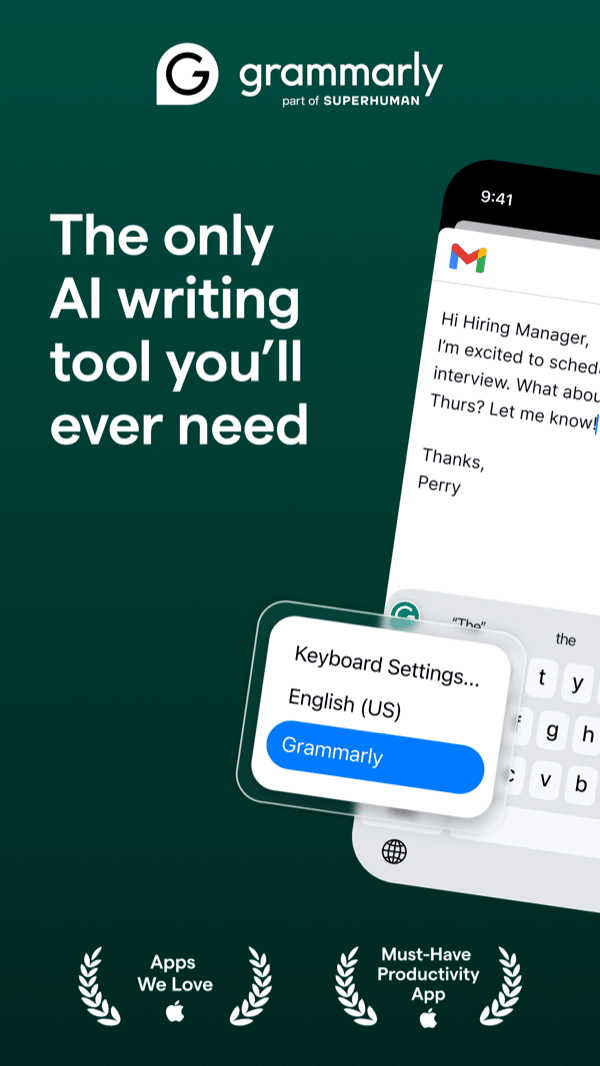 Grammarly Keyboard's official App Store screenshot, current live listing.
Pick 4: Typewise for larger keys and privacy
Typewise uses a hexagon layout with larger keys to reduce typos and keep typing private. It is a good fit if you want a different layout that emphasizes accuracy.
Best for: accuracy-first typists and anyone who wants a privacy-focused keyboard.
Why it stands out: the hexagon layout is designed for fewer typos, with a privacy-first pitch.
Pricing: Free to download, but its AI-powered editing features require Typewise PRO. Its official App Store listing shows PRO starting from $1.99/month or a $24.99 lifetime unlock, with several regional annual-plan variants shown in the same listing (verified Aug 25, 2026).
Get it: Typewise Custom Keyboard on the App Store
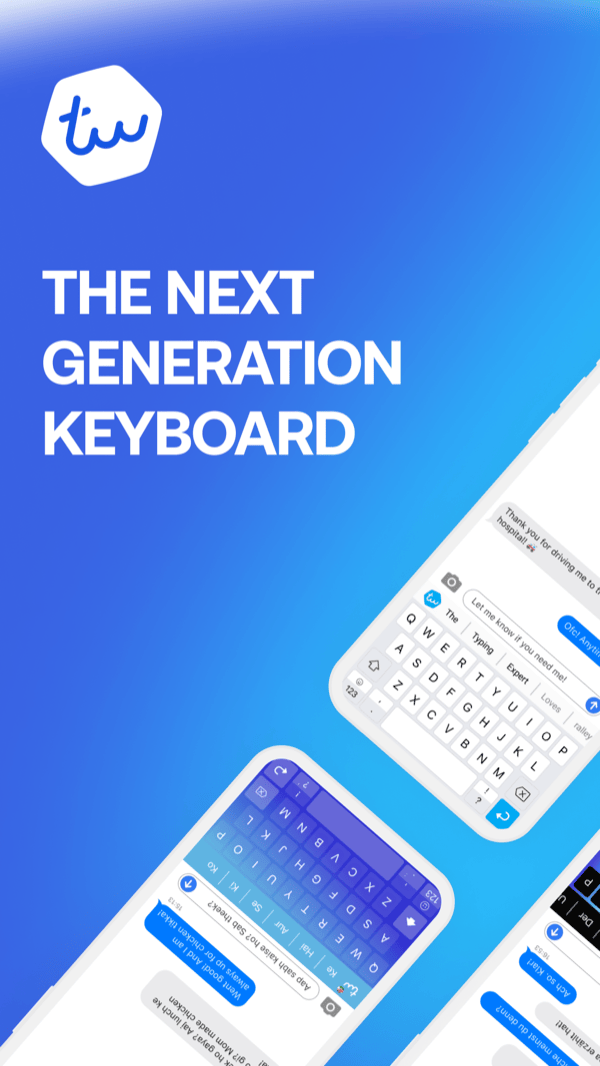 Typewise's official App Store screenshot, current live listing.
Pick 5: Microsoft SwiftKey for predictions and customization
SwiftKey focuses on predictive typing, swipe input, and personalization. If you want a keyboard that adapts to how you write and offers lots of theme options, it is worth considering.
Best for: heavy texters who want strong predictions and swipe typing.
Why it stands out: it adapts to your writing style and offers extensive theme customization.
Pricing: Free to download. Its listing flags "In-App Purchases," but every item shown is a $0.00 keyboard theme; there is no paid subscription or unlock (verified Aug 25, 2026).
Get it: Microsoft SwiftKey on the App Store
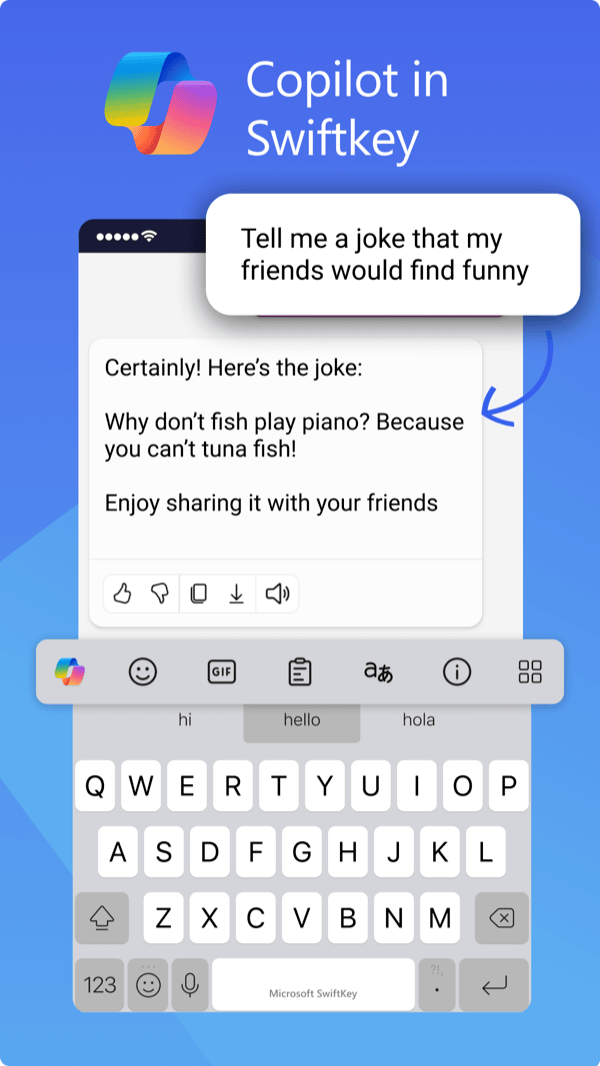 SwiftKey's official App Store screenshot, current live listing.
How to choose the right custom keyboard
- Pick the keyboard that solves your biggest typing pain first.
- Look for fast access to your most-used phrases or emoji sets.
- Make sure it works in the apps you use every day.
- Check if it keeps formatting, supports folders, or includes writing tools.
What to know before installing a keyboard extension
- Full Access: Some keyboard features, like iCloud sync in WordBoard, require Full Access to be enabled in iOS Settings. Apple requires this permission for data sharing between the keyboard and its app.
- Switching keyboards: You can install multiple keyboards and switch between them by holding the globe icon.
- Privacy: Check the privacy policy of any keyboard before granting Full Access, especially for keyboards that handle autocomplete and prediction.
FAQ
What is the best keyboard app for iPhone in 2026?
WordBoard is the best choice for text snippets, quick replies, and kaomoji. Gboard is best for search and GIFs. SwiftKey is best for swipe typing.
What is the best GIF keyboard for iPhone?
Gboard is the best choice for searching and sending GIFs from the keyboard. If you want to save your own GIFs as reusable one-tap keys instead, use WordBoard's GIF and photo keyboard.
Can I use multiple keyboard extensions on iPhone?
Yes. You can install several keyboards and switch between them by holding the globe icon in the bottom-left of the keyboard.
Is it safe to install a third-party keyboard?
Generally yes. Check the privacy policy before granting Full Access, since that permission allows the keyboard to share data with its app. WordBoard only uses Full Access for iCloud sync and does not collect your typing data.
What is the best free keyboard extension for iPhone?
Gboard and SwiftKey are free to download with no paid subscription at all. WordBoard is free to download with 6 snippet keys included, then $7.99/month or $49.99/year for unlimited keys. Grammarly Keyboard and Typewise are also free to download, but the AI writing and editing features they are known for both sit behind a paid tier (Grammarly Premium or Typewise PRO).